6 min read
Why your photos die in the camera roll, and how to print them
A photo you never print is a photo you look at once. Here is what prints well from a phone, and what to expect at the shop.
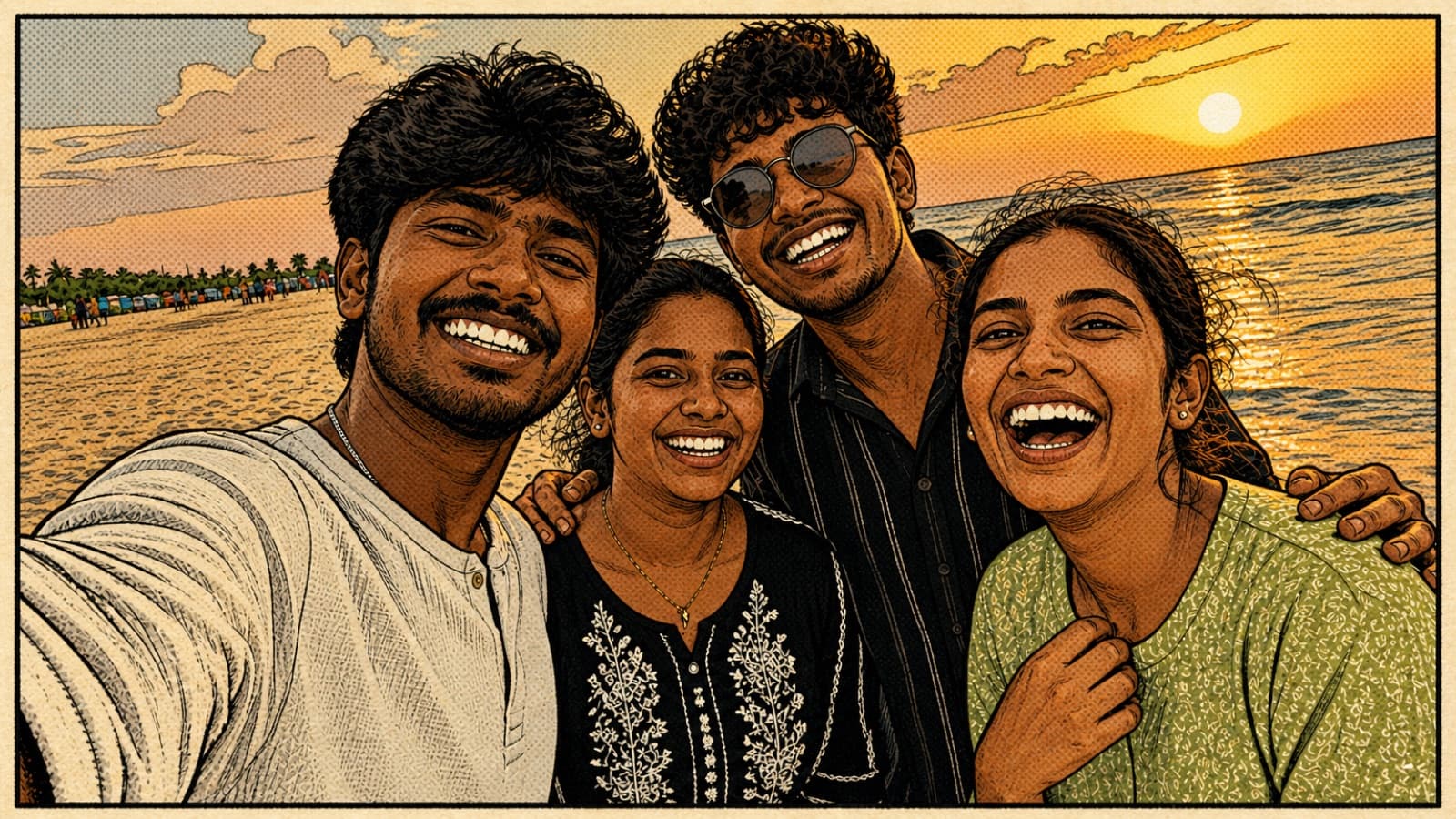
Your phone has thousands of photos on it and you have printed almost none of them. That is not a personal failing, it is how camera rolls work. A photo goes in, gets a like on the family group, and sinks under the next hundred. The trip, the festival, the ordinary good day, all still there, all unseen. A photo you never print is a photo you look at once.
Printing is the fix, and it is a small one. This article is about getting phone photos off the phone and on to paper, what restyling adds to that, and, honestly, what the resolution can and cannot do, so you order the right size and are happy when it arrives.
Why albums die in the camera roll
The reason a folder never becomes an album is that it never becomes a thing. It stays a scroll. There is no cover, no first page, no order, nothing to pick up. And because every photo looks like every other photo, taken on the same phone in the same app, there is no moment where the set feels finished enough to do something with.
Restyling helps precisely here. When you run a set of photos through one style, the set suddenly reads as a collection with a look, which is the thing that makes you want to print it. That is the whole idea behind working on the batch rather than one photo: a single edited selfie is nice, but a set of thirty photos that share one treatment is an album, and an album is worth printing.
What resolution you actually get
Here is the honest number. A finished render comes back with its long edge at 1536 pixels. So a landscape photo is about 1536 pixels wide, and the short edge is proportionally smaller. That is a fixed output size, and knowing it tells you exactly what to print.
Print sharpness is usually judged in pixels per inch, and around 300 pixels per inch is the standard for a crisp photo print. Divide 1536 by 300 and you get about five inches. In plain terms:
- Comfortable, at 300 pixels per inch: a 4 by 6 print, a 5 by 7, a small square for a frame, or a page in a photobook. These come out sharp.
- Fine, at a slightly lower density: a 6 by 8 or a modest framed print. At normal viewing distance most people will not notice the difference.
- Pushing it: an 8 by 10 will work if you are not pressing your nose to it, but you are near the edge of what the file holds.
- Not what this is for: a large canvas, a poster or anything for the wall across the room. Do not order those from a 1536 pixel file and expect them to look sharp.
Start from a good photo
A print is only as good as the render, and a render is only as good as the photo you start from. The single biggest mistake is feeding in a photo that has already been through WhatsApp. When you share an image in a chat, the app compresses it, and a compressed image restyles and prints softer than the original. Always go back to the real photo in your gallery, not the copy someone forwarded.
Beyond that, the usual advice holds. Good light, faces turned to the camera, and a subject that fills a decent part of the frame. Portraits and small groups print best. Remember too that restyling is not retouching, so closed eyes and a stray hand stay in the picture. Choose the photos you already like, because the process keeps what is there rather than fixing it. There is more on this on how it works.
Getting prints made in India
Once you have downloaded the full-resolution files, there are two easy routes, and both are cheap.
- The local print shop. Nearly every neighbourhood has one, and a 4 by 6 costs a few rupees. Carry the files on your phone or a pen drive. Ask for a matte or lustre finish rather than high gloss, which shows fingerprints and glare. Ask them not to auto-enhance or auto-crop, because a styled image does not need their correction and the crop can lop off a head.
- An online photo service. The larger services deliver prints, framed pieces and bound photobooks to your door, and this is the better route for a photobook of a whole set. Upload the downloads, choose your sizes from the list above, and check the preview crop for each photo before you pay.
A couple of small things save a reprint. Check the aspect ratio the shop expects against your image so nothing important sits near an edge that might get trimmed. Order one test print of a single photo before you commit to twenty, especially the first time with a new shop, so you can see the colour and finish in your hand. And pick a matte finish if the prints are going in an album, because gloss sticks to the facing page in Indian humidity.
That is the whole loop: pick the photos you love, restyle the set in one look, download at full resolution, and print within the sizes the file supports. If you want to try it first, verify your email for three free credits and run a few photos, then take one to the shop and see it on paper. A printed photo is the version you actually keep. For gift ideas built on the same idea, there is a piece on photo albums as an anniversary gift.