7 min read
Adding a styled album to what you deliver
You already shot the wedding. A styled set is a second thing you can sell from the same photos, on your own margin.
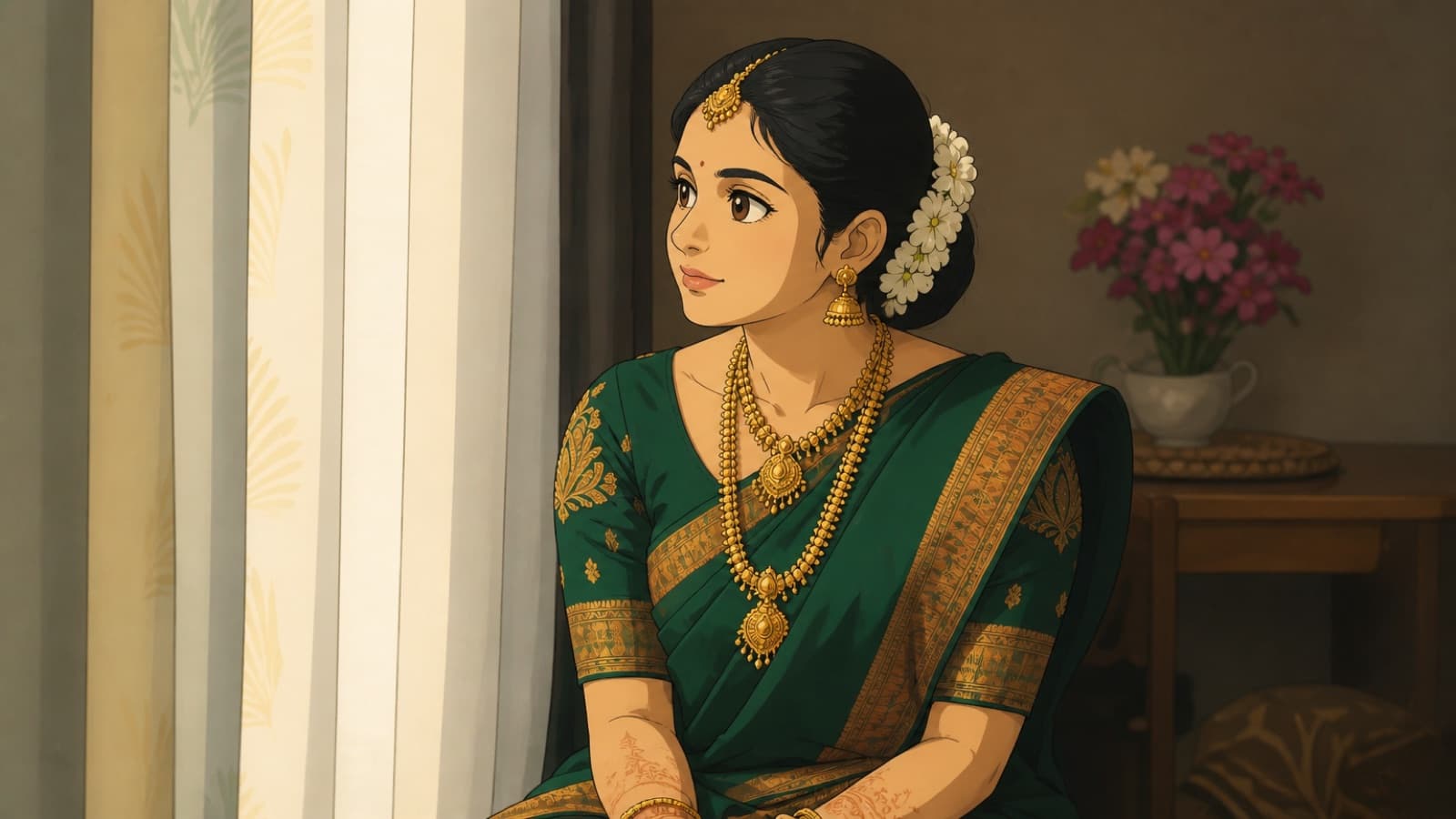
This one is for the solo photographer, the person who shoots the wedding, edits it alone at night, and delivers a gallery. You already do the hard part. This is about a second, smaller thing you can sell from the same shoot: a restyled album, offered as an add-on, priced on your own margin. It will not replace your photography and it is not meant to. It is a low-effort upsell that some clients will happily pay for.
I want to be straight about what this is before you build a service on it. PhotoCandy restyles photos you already took. It does not shoot, retouch or replace your work. The framing, the timing and the light are yours. That is exactly why it fits as an add-on rather than a threat: the value still starts with your photograph.
Why offer a styled album at all
Clients ask for things you do not want to hand-illustrate. A couple wants a watercolour version of their portrait for the wall. A family wants a fun, cartoon set of the kids for the grandparents. Doing that by hand, or in Photoshop, for a whole set is hours you do not have. Restyling a batch turns that into a fixed, small cost and a short wait, which means you can say yes to the request and charge for it instead of turning it down.
It also gives you a second product from one shoot. You already delivered the edited gallery. The styled album is a separate thing with its own price, made from photos that are already selected and edited. The marginal work is low and the marginal revenue is real.
A batch workflow that does not slow your edit
The key is to run this after your normal edit, not instead of it. Your edited JPEGs are the best possible source, far better than raw exports or anything compressed, because a restyled photo inherits the quality of the one you feed it. So the workflow slots on to the end of your existing process:
- Finish your edit as usual. Cull and grade the gallery the way you always do. Do not change anything for PhotoCandy.
- Select the subset to restyle. You rarely restyle the whole wedding. Pick the twenty or thirty photos that suit the style the client asked for, the portraits and clean group shots, not the wide record shots.
- Upload as one album, up to 100 at a time. Choose the style and the quality. Standard is right for sharing and small prints, premium when the client will print larger.
- Confirm the exact cost, then let it run. Photos process one at a time and the album page updates as each finishes. You can close the tab and come back. A failed photo is refunded to your balance automatically.
- Download at full resolution and deliver. Hand the styled set over the same way you hand over the gallery.
The full order of steps, including the consent confirmation, is on how it works. Read it once so you know what the client-facing flow looks like.
Pricing your own margin on top of the packs
Your cost is credits. Credits come in packs, they never expire, and one credit renders about one photo at standard quality. As a working example, the Occasion pack is ₹999 for 150 credits, which works out to a little under seven rupees per standard photo. So a thirty-photo styled album costs you somewhere around two hundred rupees in credits, plus your time to select and upload, which is minutes. The current packs and per-photo prices are on the pricing page and each style's cost is on its card on the styles page.
You are not reselling credits, you are selling a finished deliverable, so price it as a deliverable. Think about what a styled album is worth to the client sitting next to what they already paid you for the shoot, not about what it cost you in credits. A few honest ways to structure it:
- A flat add-on price. Offer 'a restyled portrait set' as a fixed line item on your package. The credit cost is small and predictable, so a flat price is easy to hold and easy for the client to say yes to.
- A tier on your existing packages. Put it in your premium tier so it lifts the whole package rather than being haggled over on its own.
- A small per-print upsell. If the client only wants three framed pieces, restyle those three and charge per print. Your cost is a handful of credits, your price is a framed artwork.
Whatever you choose, buy a pack that covers a few jobs at once rather than topping up per client. Because credits never expire, there is no downside to holding a balance, and you skip the checkout every time a booking comes in.
What to promise the client, and what not to
Set expectations the way I set them with you. A styled album is an interpretation of the photo, not a retouch. Faces are kept but softened, and the sculpted styles like claymation and felt puppet are frankly caricatures, so use the painted styles when a client wants to still look exactly like themselves. Show the client the real examples on the styles page before they choose, so the look is their decision and not a surprise.
On resolution, be honest about size. Renders come back with a long edge of 1536 pixels, which is comfortable for the print sizes clients usually want, up to a standard framed print, and not meant for a wall-sized canvas. Promise what the file can actually do. Under-promising here is cheap insurance, and it keeps the add-on a happy extra rather than a complaint.
If you want to test the idea before you put it on your packages, verify your email, take the three free credits, and run three photos from a past shoot through a style a client has asked about. That is enough to see whether it is worth offering, at no cost and no commitment.